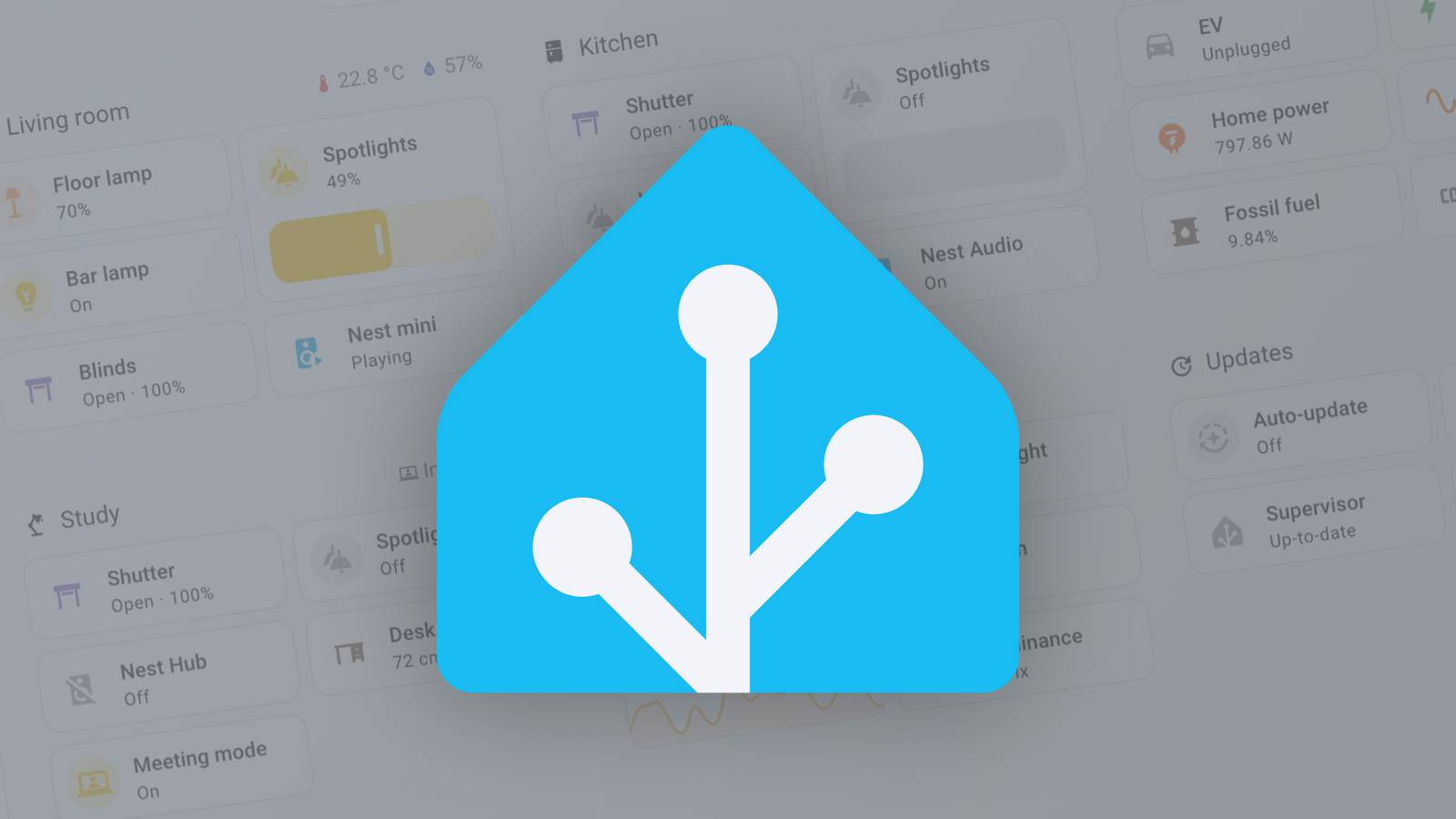
**Want a Home Assistant Dashboard? You Probably Already Own the Hardware**
Are you eyeing those sleek and modern Home Assistant dashboards, wishing you could have one in your own home? Well, what if I told you that you might already have everything you need to build one without spending a dime?
All it takes is a screen with internet connectivity, and you're good to go. Yes, you read that right - any computer with a screen and internet connection can become a Home Assistant dashboard. You could use an old laptop or desktop, a TV with a web browser, or even a game console.
**The Magic of Static URLs**
Home Assistant dashboards are available via static URLs, making it incredibly easy to access them on any device with a screen and internet connection. The main prerequisite is to install HACS (Custom Components) and the kiosk-mode plugin. With these installed, you can simply add "?kiosk" to the end of the URL, and it will hide the UI, displaying only your dashboard.
**Using an Old Kindle as a Home Assistant Dashboard**
Kindles, with their e-ink displays, make perfect Home Assistant dashboards. To turn an old Kindle into one, you'll need to jailbreak it first. Then, install the Home Assistant Lovelace Kindle Screensaver Docker container. This container takes a screenshot of your linked dashboard at a specific resolution (your Kindle's screen size) and serves it on your network for the Kindle to download.
The main plugin to use is Online Screensaver, which has its own dependencies. To get this working, you'll need to install Python 2.7 & 3.9 and ScreenSavers Hack from mobileread. Then, use MRPI to install the packages and prepare your Kindle for action.
**Using an Old Tablet as a Home Assistant Dashboard**
A traditional tablet like an iPad or Android device is another excellent option. You can simply navigate to your Home Assistant dashboard URL, log in, and you're ready to go! The best part? No jailbreaking required, and it's incredibly easy to set up.
**Raspberry Pi with an Old Monitor: A Customizable Solution**
A Raspberry Pi, paired with an old monitor, is a highly customizable and versatile Home Assistant dashboard solution. You can choose any type of screen you want - from e-ink panels to full-color touchscreens or even plug it into a spare monitor in your closet.
**Conclusion**
With these simple and affordable options, turning an old device into a Home Assistant dashboard has never been easier. From Kindles to tablets to Raspberry Pi, there's a solution for every smart home enthusiast out there.
Whether you want to monitor the status of your devices or control them directly from one place, having a dedicated Home Assistant dashboard is a game-changer. So why not give it a try and take your smart home to the next level?