**I Found a Secret Workaround for YouTube Background Playback in Third-Party Browsers**
As an avid user of third-party browsers, I've been affected by YouTube's recent crackdown on background playback. The company confirmed this week that it's actively working to prevent non-Premium subscribers from enjoying video playback when minimized.
The problem lies not with our browser choices, but rather with YouTube's strict adherence to its Premium features. Apps like Brave, Vivaldi, and Microsoft Edge, which previously supported seamless background playback, have now become ineffective. But fear not, dear readers – where there's a will, there's usually a way.
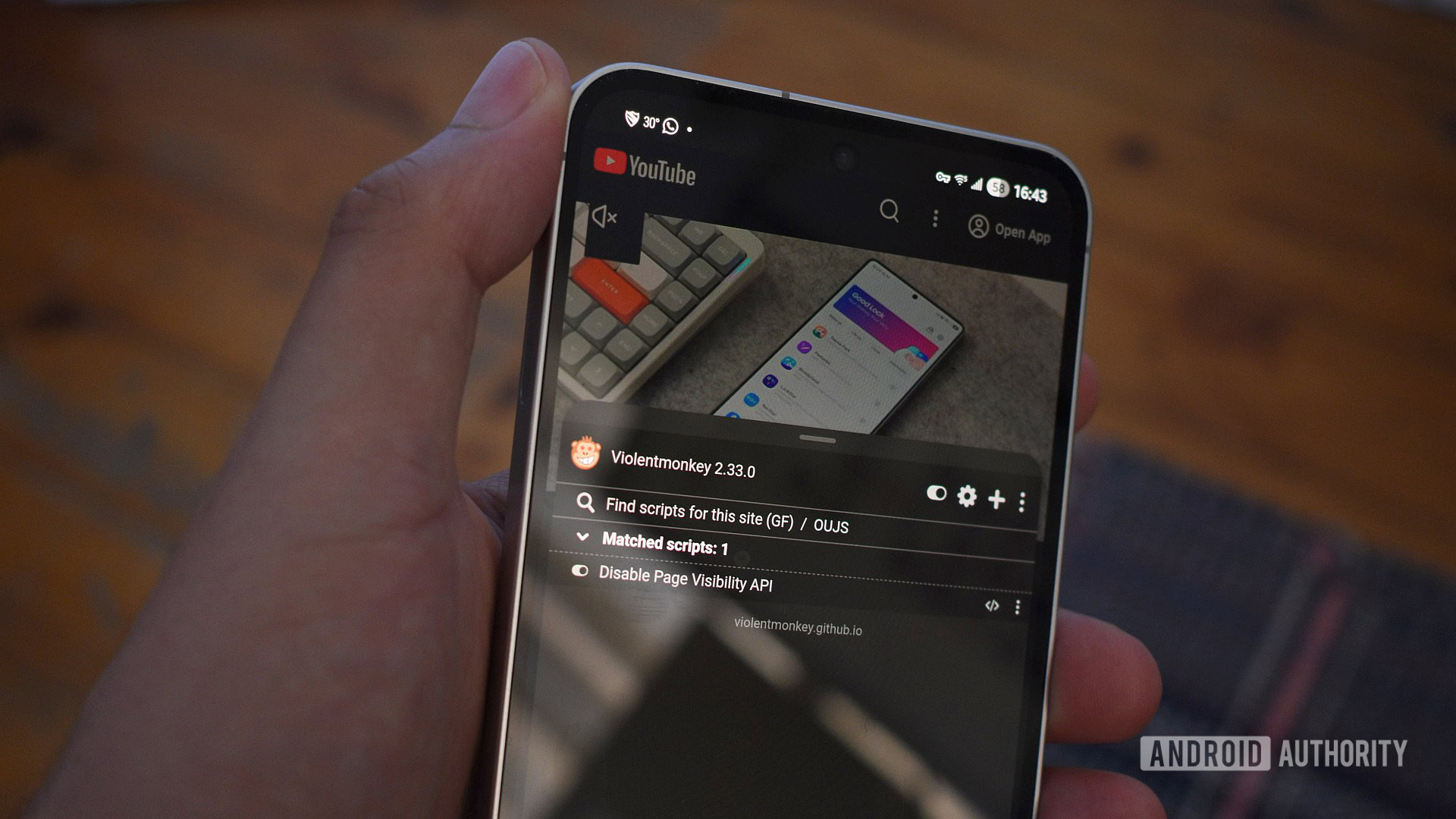
If you're an Android user who relies on a browser with extension support, you might be able to continue enjoying YouTube videos in the background for a little while longer. To achieve this, I recommend using Microsoft Edge Canary, which is quick and supports many add-ons out of the box. Next, install the Violentmonkey extension, a userscript manager that lets me customize my browsing experience.
However, things get a bit trickier with the next step. Installing userscripts carries risks, so I must remind you to exercise caution when installing scripts from unknown sources. For this workaround, I used a script called Disable Page Visibility API, which consists of just 16 lines and works as promised. You can take a look at it yourself before deciding whether to install it.
To install the script in Violentmonkey, navigate to its Greasy Fork page and click the "Install this script" button. If you're using Edge Canary's extension support is limited, I opted for a userscript as a workaround.
Finally, check your work by restarting the browser, opening YouTube, tapping a video, then switching to another app. The video will pause after switching, but you should be able to restart it using the Play button in the media player control notification or the Live notification on your phone. After this, the video should continue playing in the background until you pause it in the browser.
Notably, this workaround isn't exclusive to YouTube – it should work for Facebook, Instagram, and videos on numerous other sites as well. However, please be aware that this trick relies on obfuscating the Page Visibility API, which allows services like YouTube to detect whether you're watching videos in the background.
While this workaround might seem like a hassle, especially if you're not familiar with Edge Canary's extension feature or installing userscripts, it's still worth exploring. And who knows – you might just discover new ways to customize your browsing experience!
**Update:** It's worth noting that YouTube background playback still works on some browsers, including Mozilla Firefox without any extensions. Perhaps my phone is blessed, but if you're having trouble with Firefox, you can try installing the Disable Page Visibility API extension.
However, this workaround isn't possible in browsers that don't support extensions – Google Chrome, Brave, and Vivaldi are among those affected. And while Samsung Internet supports add-ons, none provide a similar solution.
**Conclusion:**
As YouTube continues to crack down on background playback, it's unclear how long this workaround will remain effective. But for now, if you're tired of hunting for solutions or want a healthy dose of additional features, subscribing to YouTube Premium might be worth considering.
**Stay connected with Android Authority:** Don't miss the best from our community! Read our Policy before posting.