**I've Tried 5 Different Free Password Managers, and This is the Best One**
As a tech-savvy individual, I've signed up for dozens of websites and services over the years, making password management a daunting task. It's easy to fall into bad habits, like using the same password on multiple sites. However, after a recent hacking attempt, I realized it was time to update my passwords and find a reliable way to keep them safe.
**The Search for the Perfect Password Manager**
I opted for free options since my needs are modest, and I'm wary of browser password managers. I needed a service with strong security features, reasonable limits, and any extra advantages they could offer. After researching and testing five different password managers, I've found that one stands out from the rest.
**Clipperz: A Community-Driven, Open-Source Password Manager**
Released in 2007, Clipperz is an open-source password manager that operates solely within your browser. It encrypts your data locally before sending it to a server for storage using zero-knowledge encryption. This means only the browser where you've entered your passphrase can decrypt the data and access the vault – not even the servers can read it.
Clipperz doesn't require an email address to sign up, and your data is synced across browsers on various platforms, including Windows, Mac, Linux, iOS, and Android. You can even download an HTML file of your password vault for emergencies. This zero-knowledge model offers peace of mind for users who prioritize privacy.
**KeePassXC: Absolute Control Over Your Data**
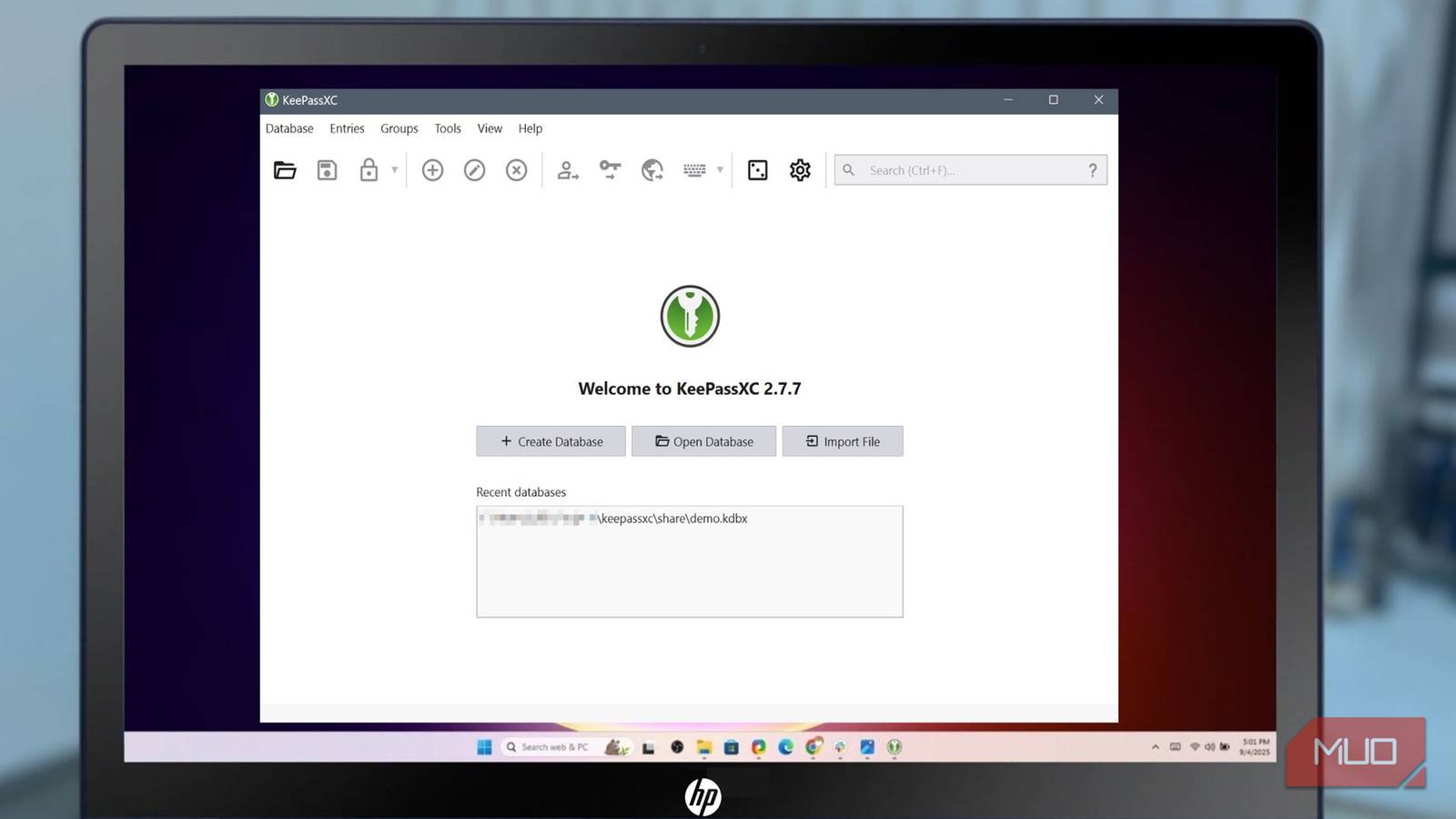
KeePassXC is another open-source password manager that allows you to keep your data on a device of your choice. You download the desktop app and add passwords to locally stored databases secured with AES-256 encryption. KeePassXC has a desktop app for Windows, macOS, and Linux, as well as browser extensions.
If using the browser extension, you must grant it access to the database through the desktop app for autofill capabilities. Standout features include:
* Time-Based One-Timed Password (TOTP) for two-factor authentication * Auto-Type for mimicking a keyboard to bypass keyloggers * Secure storage of SSH keys and API tokens
KeePassXC has no official mobile app, but you can store the database file in your personal cloud storage or on a self-hosted server.
**NordPass: A Modern Password Manager with Intuitive Interface**
Developed by Nord Security (the same company behind NordVPN), NordPass impressed me with its clean and simple interface. It uses XChaCha20 encryption, considered state-of-the-art technology, even faster than AES in some scenarios. The free tier covers the basics:
* Password generator * Autofill capabilities
However, multifactor authentication and biometrics are locked behind premium tiers.
**Proton Pass: Privacy-First Design from a Trusted Brand**
As someone familiar with Proton Mail, I was eager to try Proton Pass. It secures not only passwords but also metadata like URLs using zero-knowledge encryption. Available on almost every platform, including Android, iOS, Windows, macOS, Linux, and major browser extensions.
Proton Pass's free plan is generous, offering:
* Unlimited passwords * Unlimited devices * Hide-my-mail feature (10 aliases)
This password manager excels for users already in the Proton ecosystem or those who want hide-my-email integration.
**Bitwarden: The Gold Standard of Free Password Managers**
I consider Bitwarden the gold standard among free password managers. It offers:
* Unlimited passwords * Cross-device syncing * Password generator * Autofill * Passkey management
Available on every platform, including Windows, Mac, Linux, iOS, Android, and browser extensions. Bitwarden is fully open-source with zero-knowledge encryption and email alias integration.
**Conclusion**
After testing five different free password managers, I highly recommend Bitwarden as the best option for its set-it-and-forget-it experience and excellent features on both mobile and desktop devices. If you're an average user like me, looking for a secure and seamless experience without breaking the bank, Bitwarden is the way to go.
**Try It Today**
Take control of your digital life with Bitwarden's free password manager. With its impressive feature set and zero-knowledge encryption, you'll be secure and stress-free in no time!