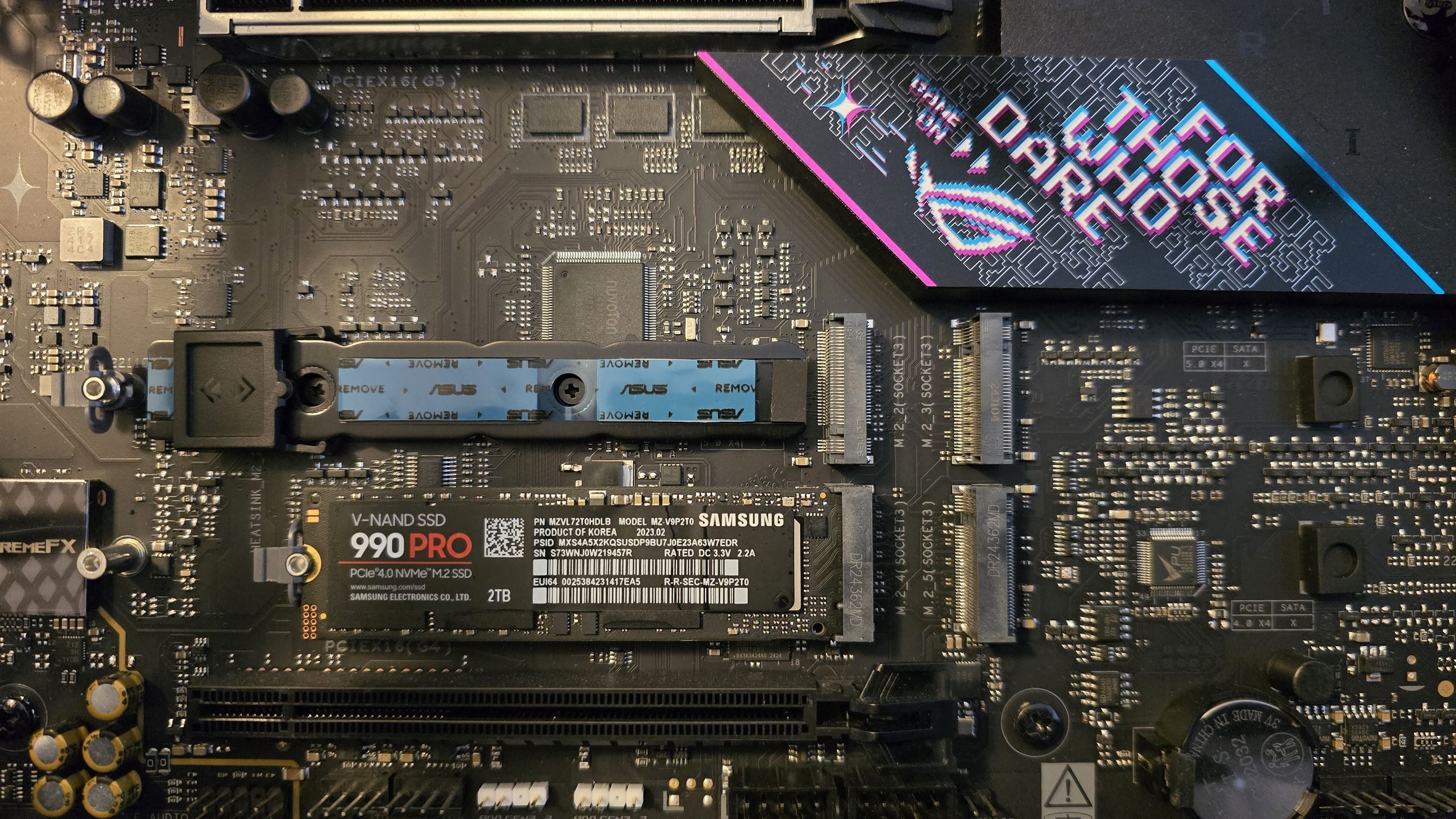
**Registry Hack Enables Native NVMe Support on Windows 11**
The latest update from Microsoft has brought about significant news for PC enthusiasts, as native support for NVMe drives is set to become a standard feature in the upcoming Windows Server 2025.
However, what's truly exciting is that enterprising users can enable this feature on their consumer PCs running Windows 11, using the same procedure used by Microsoft for their server operating system. This means that users who are willing to take on the challenge of tweaking their registry can unlock the full potential of their NVMe drives and enjoy a significant boost in performance.
According to reports from Computer Base, some users who enabled the feature have already experienced impressive results, with lower latencies and higher transfer speeds resulting in an improvement of up to 15% compared to before. This translates into faster read and write speeds, reduced processor load, and improved overall system responsiveness – especially when dealing with storage-intensive tasks.
But what exactly does this mean for users? In simple terms, native NVMe support allows the operating system to communicate directly with NVMe drives without the need for translation. This is a significant improvement over traditional SCSI protocols, which are limited to 32 commands per queue. With NVMe support, each of the 64,000 queues can handle up to 64,000 commands simultaneously, resulting in an astonishing capacity of over 4 billion operations.
However, as with any registry tweak, there are potential risks involved. Some users have reported that storage management tools no longer recognize their NVMe drives or detect them twice as two separate devices. Additionally, the registry change can also alter the disk ID, causing issues for apps like backup tools that rely on detecting the drive by its unique identifier.
Despite these potential drawbacks, native NVMe support is still a game-changer for Windows systems, especially when paired with DDR5 drives. As Microsoft continues to develop and refine this technology, we can expect it to become increasingly standardized over time, benefiting both developers and end-users alike.
If you're feeling adventurous and want to unlock the full potential of your NVMe drive, follow these instructions from Microsoft carefully. However, be sure to back up your system or test the changes in a virtual environment first – as doing so without proper precautions could lead to system instability.
**Stay ahead of the curve with Tom's Hardware!**
Follow us on Google News or add us as a preferred source to get our latest news, analysis, and reviews straight into your feeds. And don't forget to sign up for our newsletter to receive the best news and in-depth reviews from Tom's Hardware team.
**About the Author: Jowi Morales**
Jowi Morales is a tech enthusiast with years of experience working in the industry. With a passion for tech hardware and consumer electronics, he has been writing for several tech publications since 2021. Stay tuned for his latest insights and analysis on all things tech!