**Hacking Google Chrome Source Code: Make Puppeteer Work over Redis PubSub**
As we delve into the world of web automation, one challenge that often arises is scaling up our test infrastructure to accommodate large numbers of browser sessions. At Pikkit, we faced a similar problem and had to get creative to solve it.
**The Traditional Approach**
Typically, we would spin up Chromium inside containers and expose a DevTools endpoint using the `--remote-debugging` flag. The architecture looks something like this:
``` Main Process (container) | |-------------------> | Remote Debugging Server | ^ | | | | | Client v |-------------------> | DevTools Client ```
However, there's a major caveat here: the Chromium Remote Debugging Server doesn't become available instantly. It takes time for the browser to start up, which forces us to repeatedly poll for reachability. This introduces complexity and instability into our setup.
**A Better Approach: Reverse Connection Model**
One way to solve this problem would be to use a reverse connection model. Instead of waiting for the client to connect to the Chromium Remote Debugging Server, we could make the Chromium Remote Debugging part connect to a central server – or even better, a publish and subscribe stream through Redis.
Unfortunately, Chromium doesn't support Redis out of the box. Most setups work around this by introducing an additional intermediate layer that forwards packets between Redis and DevTools. While functional, this approach adds more moving parts, which hurts both speed and reliability.
**Integrating Redis Support Directly into Chromium's DevTools Server**
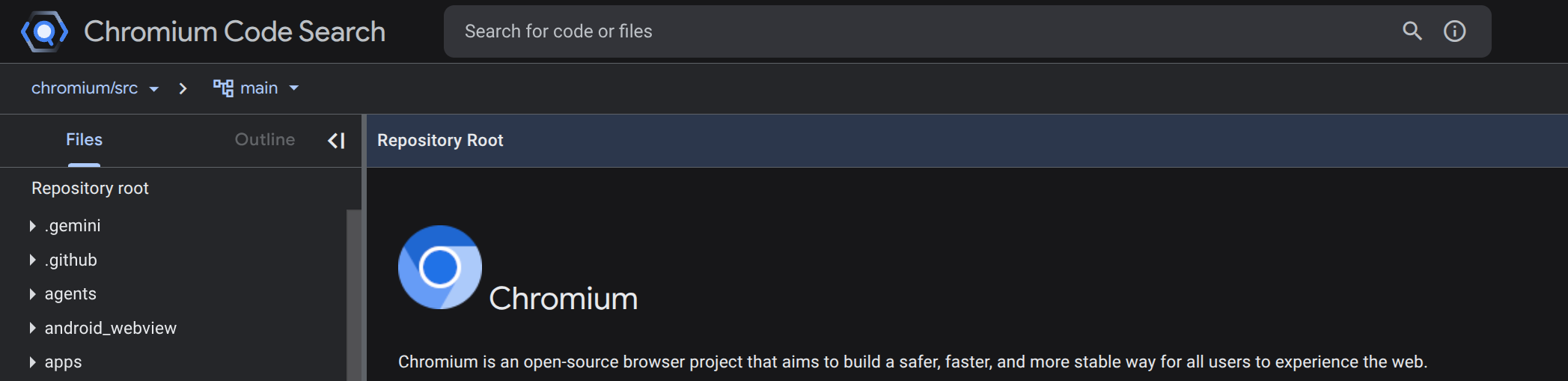
So, instead of layering on additional components, I wanted to take it a step further and integrate Redis support directly into Chromium's DevTools server. To do this, I started by exploring the Chromium codebase – an enormous project that's daunting even for experienced developers.
**Navigating the Chromium Codebase**
If you plan to work with Chromium yourself, I highly recommend reading the documentation files scattered throughout the repository. Many are outdated, but they provide valuable historical context and help clarify why certain systems exist and how they fit together.
Here's a high-level look at how the major pieces of Chromium fit together:
``` +---------------+ | Browser | | Engine | +---------------+ | | v +---------------+ | Content | | Browser | | (devtools) | +---------------+ | | v +---------------+ | DevTools | | Handler | +---------------+ ```
Within the `content/browser/devtools` directory, Chromium provides two different DevTools handler implementations: the pipe handler and the HTTP-based handler. I chose to focus on the pipe handler, whose architecture is significantly simpler and easier to extend.
**Modifying the Pipe Handler**
The first step was to adjust how the remote-debugging-pipe argument is parsed. Instead of treating it as a mode selector, we reinterpret it as a value in the format `
Here's how I implemented this:
```cpp void DevToolsPipeHandler::OnStart() { std::string redis_endpoint; // Parse the remote-debugging-pipe argument // ... if (redis_endpoint.find(';') != std::string::npos) { size_t pos = redis_endpoint.find(';'); redis_client_ = new RedisClient(redis_endpoint.substr(0, pos)); channel_name_ = redis_endpoint.substr(pos + 1); } else { // Handle error case } } ```
Next, I injected the `redis_client_subscriber` into our Reader and Writer classes, together with the channel name derived from the provided `
**Updating the Reader and Writer**
With our Redis subscriber wired up, we can update the Reader so it pulls messages from Redis PUBSUB on the `uuid + ":read"` channel. We drop the original PipeReaderBase::ClosePipe and PipeReaderBase::ReadBytes logic entirely and replace it with a simple store for the redis_client and channel name.
Here's how I implemented this:
```cpp
void DevToolsPipeHandler::DevToolsPipeHandler(ReadDescriptor read_desc,
WriteDescriptor write_desc) {
// ...
reader_ = std::make_unique
**Testing the Patch**
After compiling Chromium with the patch, we can launch it and connect to Redis like this:
``` redis-cli -h localhost ```
From there, publishing DevTools commands to `5b032229-1d6e-43e2-9369-44a3d11b2a55:read` will execute them inside the browser. The results will then be available on `5b032229-1d6e-43e2-9369-44a3d11b2a55:write`.
**Conclusion**
While this isn't a particularly convenient solution, it works well and has allowed us to scale up our test infrastructure to tens of thousands of sessions without issues. There's still more work to be done to make our on-demand browser service production-ready, but this patch is a significant step forward.
In follow-up posts, I'll cover more of the pieces that go into making a high-scale on-demand browser service.