**You Already Carry the Best Travel Router in Your Pocket**
When traveling, one of the last things on your mind is connectivity. You hook up all your devices to the hotel's wireless network, expecting everything to work seamlessly. But what if I told you that some hotels have limits on how many devices can be connected per room? Or worse, what if you're not sure about the security and privacy of the public Wi-Fi network?
For years, we've been recommending using your own travel routers and access points to create a private Wi-Fi network while traveling. But I'm here to tell you that you don't need to bring anything with you on your trip – your phone is already a great travel router.
**Why Your Phone is a Great Router**
The primary goal of a travel router is to create a private Wi-Fi network within hotels, airports, and other shared locations. Instead of connecting all your devices to the public network, you can use your phone as a router and have them all route through it with a dedicated firewall between your sensitive data and the wider network.
This is especially important for anyone who's even slightly security-conscious. Creating and/or bringing your own router can be the best way to protect yourself without hampering connectivity. And with smartphones now having more storage and RAM than some desktops and laptops, it's no wonder they can handle routing traffic to other hardware.
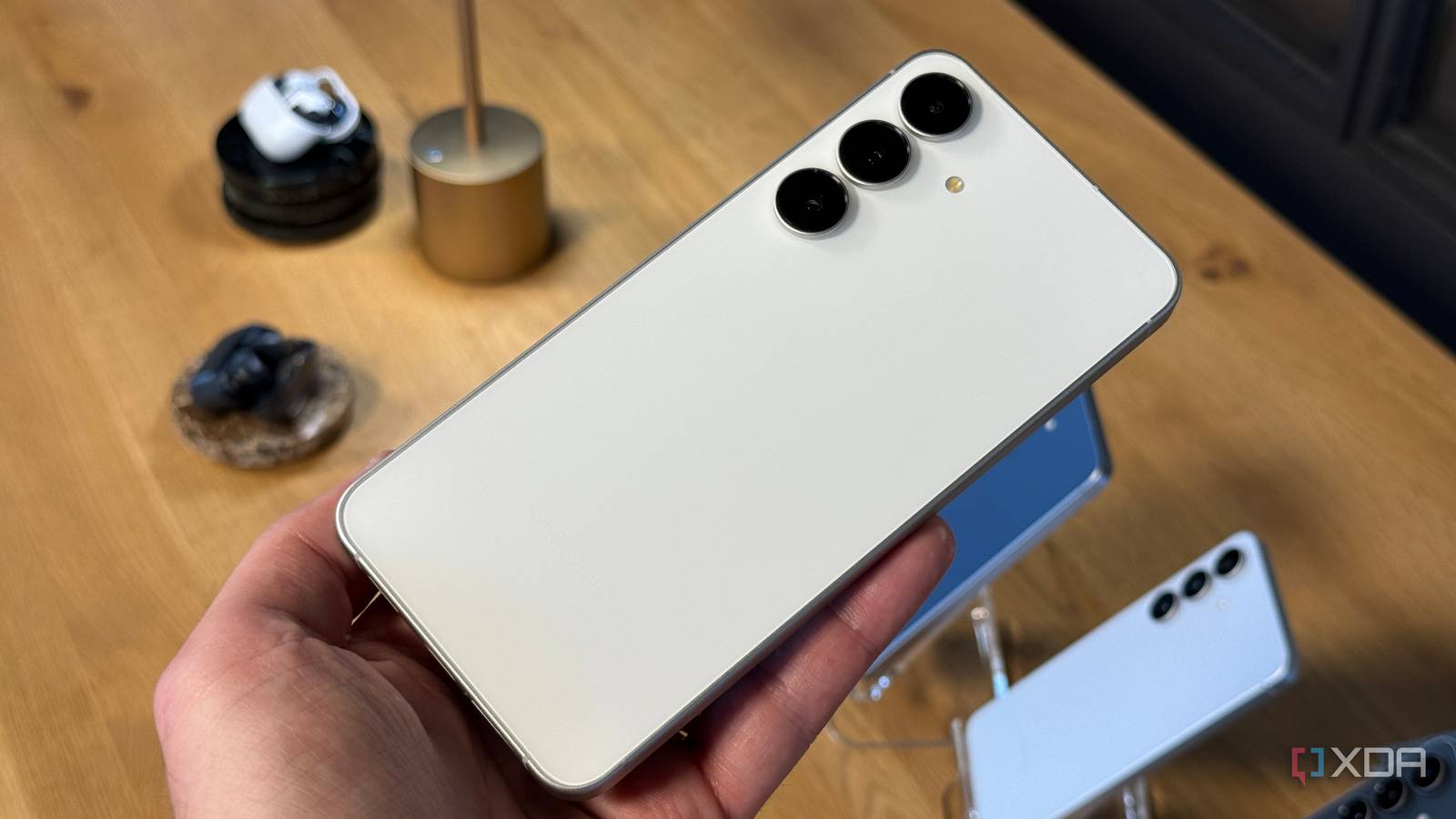
In fact, I recently put this theory to the test using my Samsung Galaxy S23 Ultra for a solid week while our internet service provider was unable to activate our line after moving in. We had multiple devices connected through a single phone, and it worked flawlessly – even with shaky 4G connectivity.
**Why Use Your Phone Over a Dedicated Router?**
It all comes down to convenience. Your smartphone not only doubles as a portable hotspot for connecting all your devices to public networks but can also serve as a truly portable solution with full coverage on local mobile networks, allowing you to get everything online even while away from hotels, establishments, and airports.
Throw in eSIM support, and you've got one killer hub that's considerably more versatile than a standard router – and you get to use the same device as a phone, which is always a bonus when needing to carry less.
**Configuring Your Phone for Hotspotting**
Getting your phone configured for hotspotting is easy and requires just a few menu navigations. Both iOS and Android make it simple to get your phone up and running as a portable hotspot, with options for 2.4 GHz and 5 GHz depending on the devices you need to connect to your new private network.
I was able to run a mobile hotspot as well as Bluetooth, USB, and Ethernet tethering on my S23 Ultra – it's quite the Swiss army knife of mobile connectivity, and your phone will likely offer the same. If the public Wi-Fi isn't outstanding, having USB-C and Ethernet support is perfect for retaining strong network connectivity with the wider world.
**The Benefits of Using Your Phone as a Router**
Rocking with my phone re-broadcasting a single Wi-Fi network link was more than enough for my traveling needs. When I needed to do some serious work on the laptop and required additional stability, I looked to USB tethering. Bluetooth tethering is usually reserved as a last resort backup.
Firing up my favorite VPN app even ensures I can remain somewhat invisible when browsing online with a little more privacy than a standard public network. The phone does all the grunt work, avoiding unnecessary setup wizards and portals that hotels love to force us through.
**The Verdict: Using Your Phone as a Travel Router**
Using your phone as a travel router is convenient, secure, and reliable – even with weaker connection spots. You don't get as much functionality as a dedicated router running on a Raspberry Pi or other hardware, but you already carry a smartphone, cutting down on extra weight, cabling, and costs.
So next time you're traveling, ditch the separate travel router and use your phone instead. Your devices will thank you – and so will your wallet.