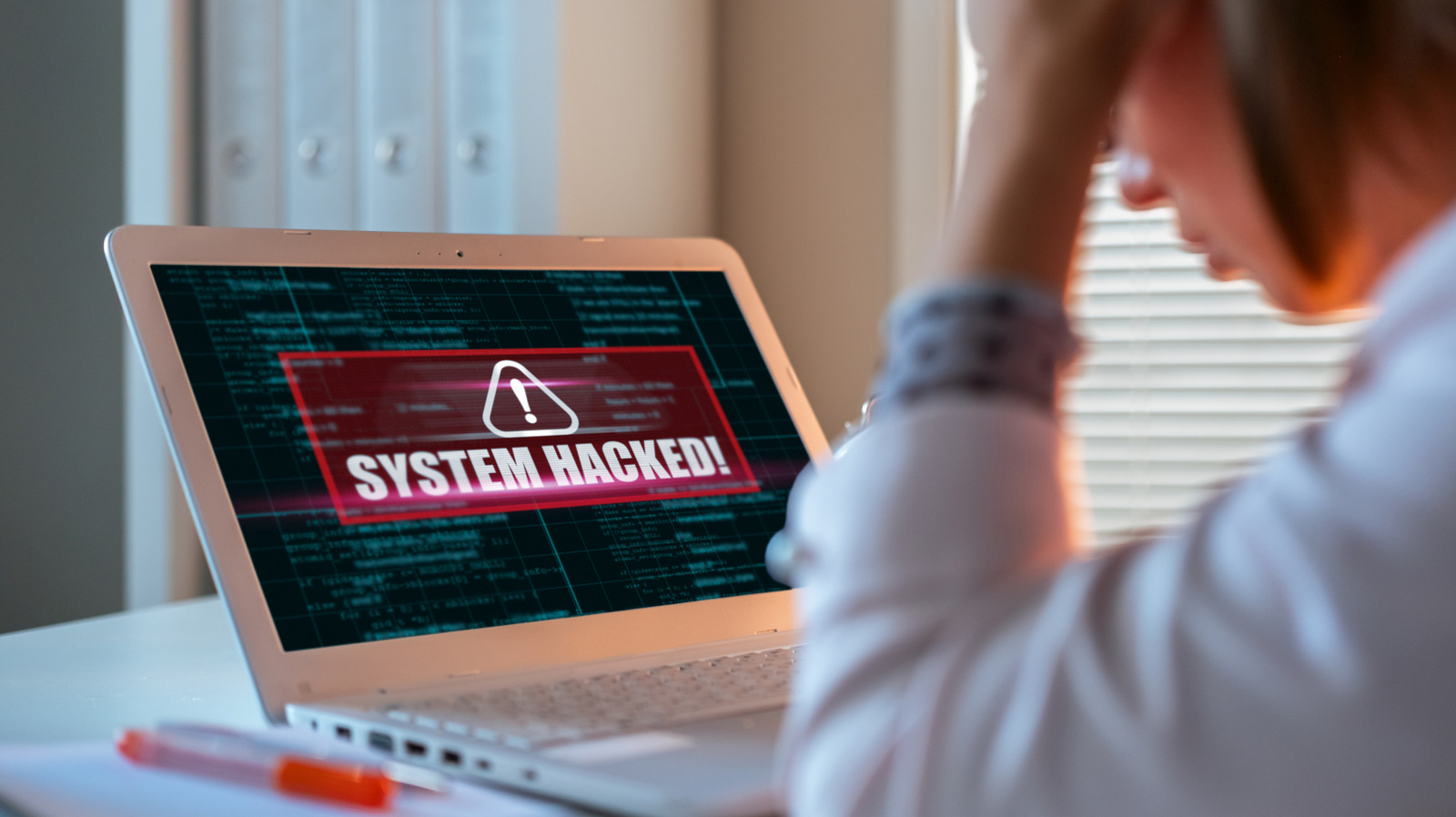
# The 5 Things You Should Do First If You Get Hacked: A Cybersecurity Guide
The threat of cyber attacks has never been more real. With advancements in AI technology, hackers are becoming increasingly sophisticated, and the number of cyberattacks is on the rise. In fact, it's estimated that as many as 2,200 cyberattacks occur every day, making it essential to be prepared and know what to do if you get hacked.
While some breaches may target large organizations and tech giants, others can have devastating effects on unsuspecting individuals who click on suspicious links or download malware-infected files. If you've been hacked, the first few hours are critical in minimizing damage. But before we dive into the steps you should take, it's essential to understand how to identify if your device has been compromised.
Signs of hacking include unusual behavior from your device, such as slowing down or new files appearing on the system. You may also notice suspicious activity on your accounts and cards, including login attempts from unknown locations. If you notice any of these signs, it's time to take action.
The first thing you should do if you suspect you've been hacked is limit internet access on the compromised device. This will prevent the malware or virus from sending data back to hackers and allow them to control your device remotely. To do this:
* Force-stop any remote access software like AnyDesk or TeamViewer * Remove the Ethernet cable if connected via a wired connection * Turn off Wi-Fi, mobile data, and Bluetooth features
Isolating the affected device is crucial in preventing further damage.
In addition to limiting internet access, it's also essential to take action on your credit cards. If you notice any suspicious transactions or activity, block the card immediately and reach out to your bank or financial institution to cancel it. Dispute any unauthorized charges, and consider placing a credit freeze to prevent new cards from being issued.
If you believe your personal information can be used for issuing new cards, contact the issuing authority directly to block the card and send a new one to your registered mailing address.
Lastly, report the fraud to local cybercrime authorities. This will provide legal protection and help with future claims.
Changing Passwords
If the hack was aimed at stealing data from your online accounts, it's crucial to change your passwords as soon as possible. However, don't do this from the infected device. Instead, use a trusted computer or smartphone to create new, unique passwords for each account.
Enable multi-factor authentication (MFA) on all accounts using authenticator apps or hardware keys. Many providers offer MFA, and it's an essential step in securing your online presence.
Reviewing Recovery Methods
Check if hackers have added their own recovery methods to your account to regain access. If so, you'll need to remove these to ensure your account remains safe.
Unlinking Email Accounts
In rare cases, an email account may be compromised and unable to be recovered immediately. If this happens, unlink the email account from all online profiles, banking profiles, and social media handles.
Eliminating the Threat
To eliminate the threat, you'll need to run a full system scan using your operating system's built-in threat detection tools or a reliable third-party security app like Norton, Avast, or AVG. Keep in mind that this may take several hours, depending on the device and extent of malware infection.
If your Windows PC was compromised, run a full system scan using Windows Security/Microsoft Defender. On macOS and Android, use a third-party security app to detect and remove threats.
Resetting Your Device
In some cases, resetting your phone or laptop may be necessary when dealing with advanced threats that antivirus tools can't handle. This will eliminate the malware or virus, but it also means data loss. To minimize this risk, back up personal files like photos, videos, and documents on a flash drive or old external disk before scanning with an antivirus.
Restoring Personal Files
After resetting your device or reinstalling the operating system, only restore personal files that you manually backed up and have already scanned for viruses using an updated antivirus.