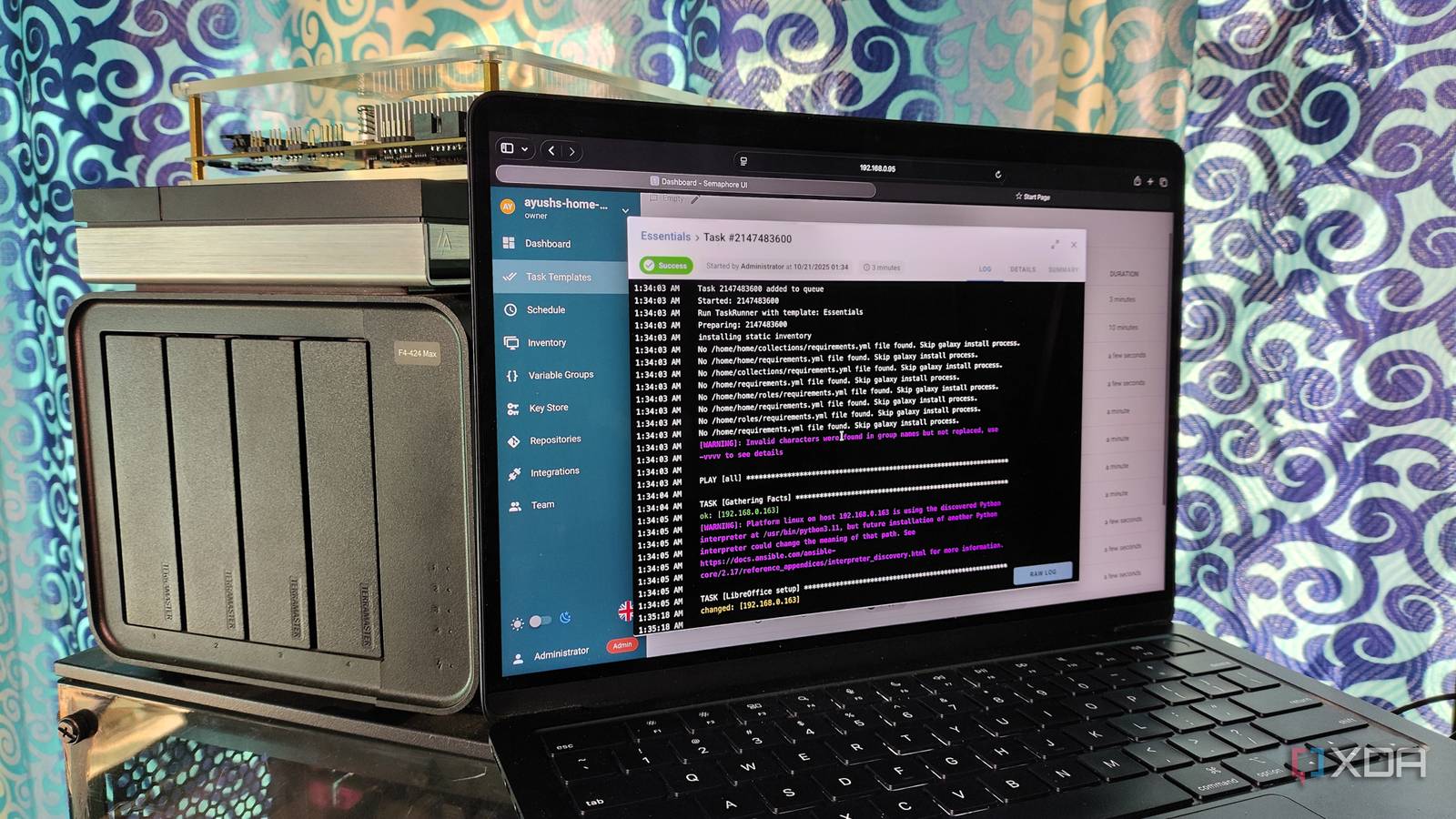
**Ansible: The Key to Reproducibility in My Home Lab**
As a long-time enthusiast of automation and infrastructure management, I'm thrilled to share my journey of transforming my home lab into a reproducible entity using Ansible. What started as a daunting task has evolved into an intoxicating experience, with the power of Automation-as-Code (AaC) unlocking new possibilities for me.
**The Journey Begins**
My home lab has always been a chaotic mix of various hardware and software configurations. Spread across two mini PCs running Proxmox, a NAS, and a Threadripper machine, it was clear that I needed a versatile solution to handle each device. While Terraform offered an attractive option, I decided to give Ansible some time to prove itself before abandoning the project.
**Infrastructure as Code (IaC) with Ansible**
The end goal is to reproduce my entire home lab with a single command: `ansible-playbook site.yml --vault-password-file ~/.vault_password`. To achieve this, I'm breaking down the process into stages, learning how to write YAML and Jinja templates along the way. The journey has been slow but rewarding, as I'm getting closer to having a fully documented home lab with VMs, secrets management, networking, and more.
**Proxmox Management with Ansible**
One of the challenges was integrating Proxmox into my Ansible setup. To overcome this, I installed necessary tools like `proxmoxer` and `python3-dev`, and created an API token to enable Ansible to run playbooks on my host. I also created a dedicated role for Proxmox management using the `community.general.proxmox_kvm` module.
**Networking and Secret Management**
The networking part of my setup is now mapped out, with dynamic inventory collection from the Proxmox host working seamlessly. I've also started using Bitwarden to store secrets for my Docker files and Ansible playbooks. Ansible Vault creates encrypted strings or text files that can be referenced inside playbooks, keeping sensitive information secure.
**Project Structure and Best Practices**
To ensure a clean and maintainable project structure, I'm following best practices by breaking down the setup into smaller roles, each with its own set of tasks, handlers, templates, and variables. This will allow me to easily manage and update my home lab configuration as needed.
**Conclusion**
My journey with Ansible has been an eye-opening experience, showcasing the power of Automation-as-Code (AaC). As I continue to refine my setup, I'm excited to reap the benefits of reproducibility, scalability, and maintainability. With a single line of code, I can recreate my entire home lab, no matter how complex it becomes.
**Subscribe for Ansible and Home-Lab Automation How-tos**
Stay tuned for future updates on my journey with Ansible and automation in general. Whether you're a seasoned professional or just starting out, I hope to inspire and guide you through the world of infrastructure management and reproducibility.
### Project Structure
```markdown homelab-infra/ ├── ansible.cfg # Global Ansible configuration ├── site.yml # Main entry-point playbook ├── requirements.yml # Ansible collections & roles ├── inventory/ │ ├── 00-static.yml # Manual host/group definitions │ ├── 01-proxmox-dynamic.yml # Dynamic Proxmox plugin config │ └── 02-constructed.yml # Post-processing for groups ├── group_vars/ │ ├── all.yml # Global variables │ ├── proxmox.yml # Proxmox-specific config │ ├── networking.yml # VLAN, DNS, NTP config │ └── vault.yml # Encrypted secrets (Ansible Vault) ├── host_vars/ # Host-specific variables (if needed) ├── roles/ │ ├── bootstrap/ # SSH key setup & initial access │ ├── proxmox_baseline/ # Proxmox node configuration │ ├── networking/ # VLANs, routing, firewalling │ ├── vm_provisioning/ # VM creation and destruction │ ├── services/ # Docker, K3s, monitoring │ └── security/ # Hardening, backups ├── playbooks/ │ ├── bootstrap.yml # Pre-Ansible setup │ └── configure.yml # Main configuration └── .gitignore # Exclude vault.yml, secrets, etc. ```
### Secret Management with Ansible Vault
```yaml # Proxmox API credentials vault_proxmox_user: automation@pve vault_proxmox_password: ""
# Service credentials vault_docker_registry_username: myuser vault_docker_registry_password: mypass
# Database credentials vault_postgres_root_password: "" vault_postgres_replication_password: ""
# TLS certificates vault_tailscale_auth_key: "tskey-XXXXXXX" ```
### Referencing Secrets in Playbooks
```yaml name: Configure Proxmox API access set_fact: proxmox_user: "{{ vault_proxmox_user }}" proxmox_password: "{{ vault_proxmox_password }}"
name: Deploy service with secrets docker_container: name: postgres image: postgres:14 env: POSTGRES_PASSWORD: "{{ vault_postgres_root_password }}" POSTGRES_REPLICATION_PASSWORD: "{{ vault_postgres_replication_password }}" ```