**I'm Uninstalling Outlook for Good: How I Found a Faster, More Private Alternative**
**The Bloat Has Got to Go**
In 2026, Microsoft Outlook has finally reached its breaking point – at least for me. The Windows app is essentially a RAM-hungry web wrapper, while the Mac version feels slow and resource-intensive. I've had enough of the bloat and decided to uninstall Outlook for good. It's time to explore alternative email clients that offer speed, privacy, and customization.
**Enter Mozilla Thunderbird: A Game-Changer in Email Management**
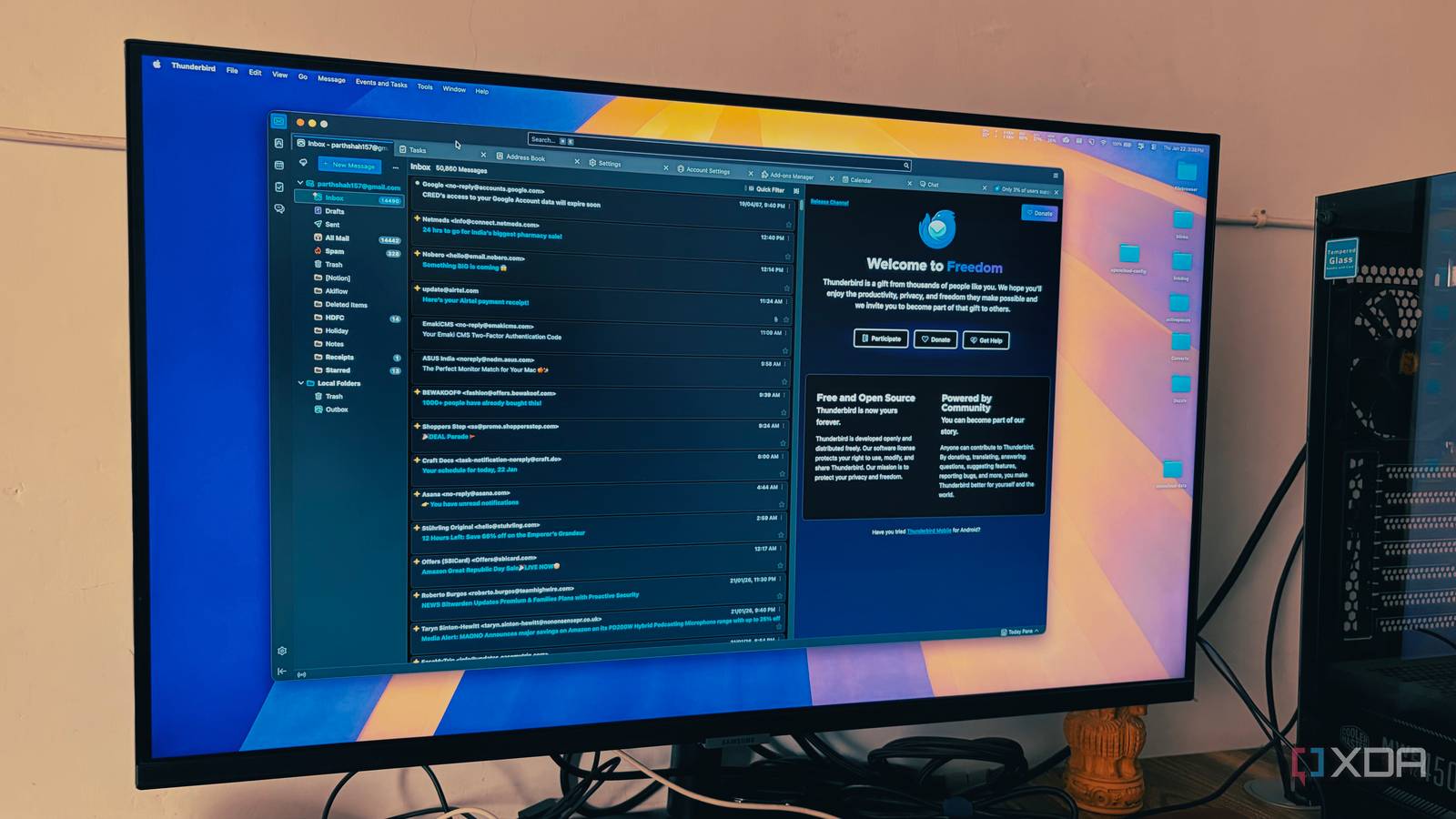
After conducting extensive research, I discovered Mozilla Thunderbird – an open-source email client that has been a revelation. The Nebula update (version 128) has completely overhauled the visual identity of the app, introducing a refreshed icon set and a modern UI that finally feels native to both Windows and Mac operating systems.
**A Unified Inbox Like No Other**
One of the standout features of Thunderbird is its Unified Inbox, which treats all my incoming mail as one giant stream. Using color-coding, I can immediately see which email went to my 'Freelance' account versus my 'Personal' one. This feature alone has saved me countless hours switching between tabs in a browser.
**The Power-User Features You Need**
I was initially concerned that I would miss some of the power-user features Microsoft offers with Outlook. But after a week with Thunderbird, I realized that I didn't actually need more features – just an app that nailed the basics. With Thunderbird, I can:
* Scroll through five years of Gmail history * Open large attachments * Draft replies while offline
**Private and Free from AI Bloat**
The most refreshing part of the Thunderbird experience is what's not there. Unlike Outlook, which feels like it's constantly reaching out to the cloud with new AI features I didn't ask for, Thunderbird stays out of the way. Mozilla is clear about this: Thunderbird does not secretly scan my emails to train AI models.
**A Seamless Transition from Outlook and Gmail**
Setting up my Outlook and Gmail accounts in Thunderbird was an instant process. The auto-configuration is so sharp that I only had to enter my email addresses; it handled the server settings and OAuth2 authentication for both platforms instantly.
**Customization Galore**
Thunderbird is high on customization, allowing me to strip away every button and menu I don't use. My toolbar only has the five things I actually click daily, resulting in a distraction-free environment where the focus is entirely on my writing.
**Conclusion: Ditch Outlook for Good**
Managing Gmail, Outlook, iCloud, and other inboxes through an open-source client like Thunderbird is the productivity hack you've been looking for. If it doesn't work for you, check out this free fork called Betterbird. It's time to say goodbye to Microsoft's bloat and hello to a faster, more private email experience.
**Subscribe to Our Newsletter**
Stay ahead of the game with smarter email-app choices. Subscribe to our newsletter for expert advice on choosing the right email client for your needs.
**Resources:**
* [Mozilla Thunderbird](https://www.thunderbird.net/) * [Betterbird](https://betterbird.app/)