**Heroic Former PC Gamer Writer Saves the Internet with Simple Script**
Former PC Gamer writers have achieved greatness in various fields - some have even sold millions of copies of their critically acclaimed games. But Corbin Davenport's latest project might just top that: a tool called Just the Browser, which aims to rid Google Chrome of its AI-powered features.
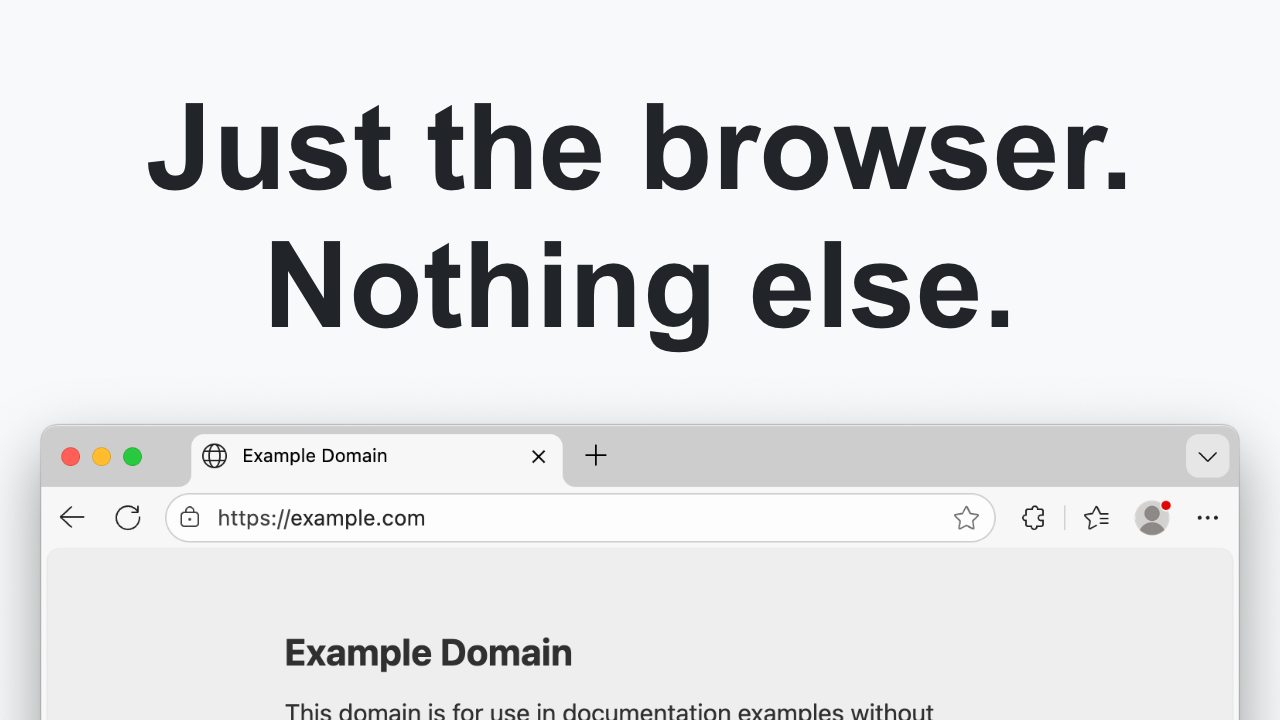
Just the Browser is a script that uses group policy settings to disable features like AI Mode integrations in the address bar and New Tab page search box, custom theme creation with generative AI, and more. These changes can be made manually, but Corbin has bundled them into one simple script for your convenience.
So how does it work? To use Just the Browser on Windows, simply open PowerShell as an administrator and copy-paste the provided command. You'll then be asked to select which browser you want to "de-AI" - Chrome, Firefox, or Edge. Press a few keys, and you're done! It's just as simple to run in the terminal on Mac or Linux.
But don't expect Just the Browser to magically banish all AI features from your web browsing experience. This is not a silver bullet, but rather a temporary solution to the growing concern of AI-powered tracking and data collection on the internet. Corbin emphasizes that his script doesn't touch anything on actual websites you visit - you'll still see those annoying AI-driven ads and recommendations.
So what exactly does Just the Browser disable? Take a look at this list:
- Turns off Google's AI Mode integrations in the address bar and New Tab page search box
- Turns off custom theme creation with generative AI
- Prevents local AI model download
- Turns off Help Me Write feature powered by AI
- Turns off AI-powered Tab Compare feature
- Prevents Chrome from checking if it's the default browser and showing notifications about it
- Turns off debugging in Dev Tools powered by generative AI models
The open-source project has gained a significant following, with appearances on Hacker News and various tech sites. As expected, some users have raised concerns about running random scripts from the internet - but Corbin's reputation as a reliable creator of free and open-source projects speaks for itself.
For those who want to see exactly what the script is changing, there's a documented manual process available on the Just the Browser GitHub page. And if you're concerned about security, take heart: Corbin has a long history of creating cool, free open-source projects that have helped countless users.
**A Call to Arms (and Pizza)**
As PC Gamer editor Wes says, "Great work, Corbin! Now we just have to figure out how to block the rest of the slop." We couldn't agree more. And if you're as passionate about this topic as we are, join us in our crusade against AI-powered tracking and data collection. Just don't forget to fuel up with 50% pizza by volume (deep dish, naturally).